
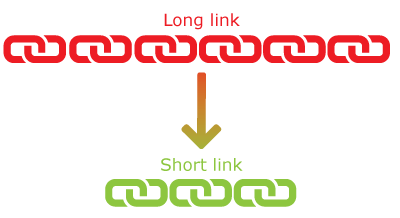
This tool allows you to quickly shorten any URL on any page without using any fancy method. This is probably the quickest and easiest way available to you to shorten URLs across all platforms. This method will create a short URL that is unique to you and you will be able to access it at any time from your control panel.
Use the quicklink URL below to shorten any URL by adding the URL after /q/?u =. For security reasons, you need to log in and use the Remember Me feature. Check out the examples below to understand how to use this method.
https://2h.ae/q/?u=URL_OF_SITE
Examples:
https://2h.ae/q/?u=https://www.google.com
https://2h.ae/q/?u=http://www.apple.com
note:
Please note that this method does not create the actual short link for you. It simply redirects the user to the redirect page. However, if you need the actual short link address, you can always get it from the Control Panel.
.png)
 (1).jpg)